👤
Contact Manager
Add, update or remove contacts and keep your phone book organized in one place.
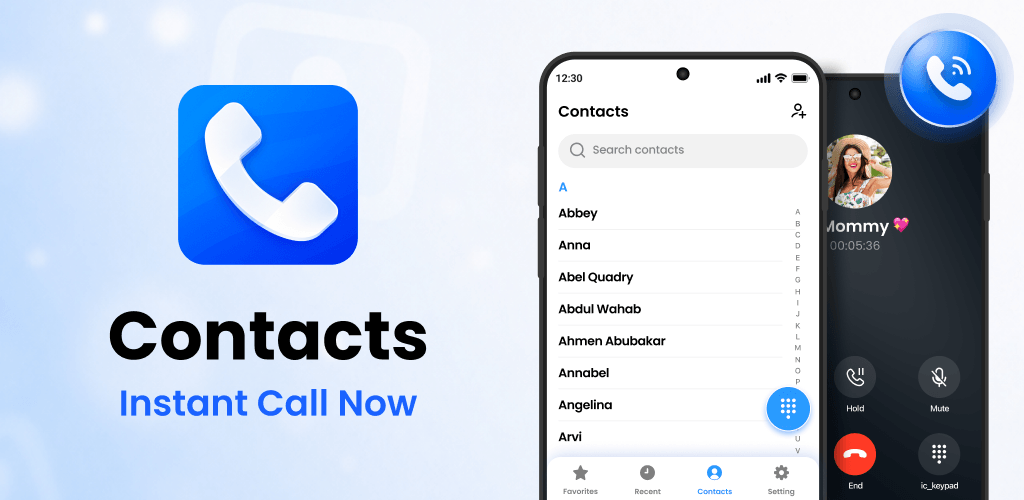
Organize contacts, search by name or number, check recent call history and place calls from a clean, familiar dialer built for everyday use.
 Contacts
A focused communication experience that keeps contact management, dialing and recent call activity close at hand.
Add, update or remove contacts and keep your phone book organized in one place.
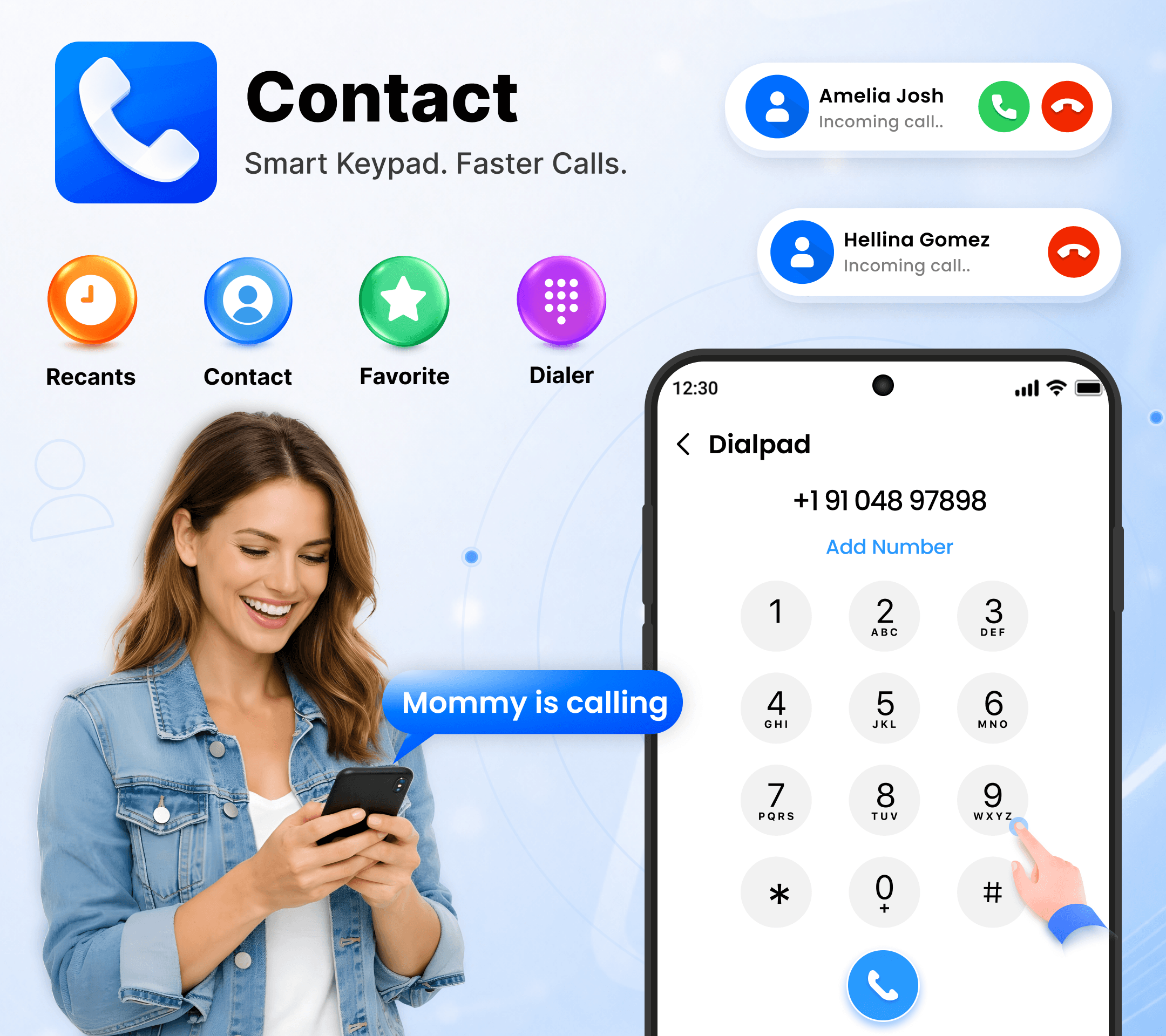
Use a clean, responsive dialpad for quick number entry and everyday phone calls.
Find saved contacts by name or phone number and connect in seconds.
Review recent call activity and redial numbers without searching through multiple screens.
See call details after a completed call, call back or save a new contact from convenient shortcuts.
Core dialing and contact features remain available for everyday use without an internet connection.
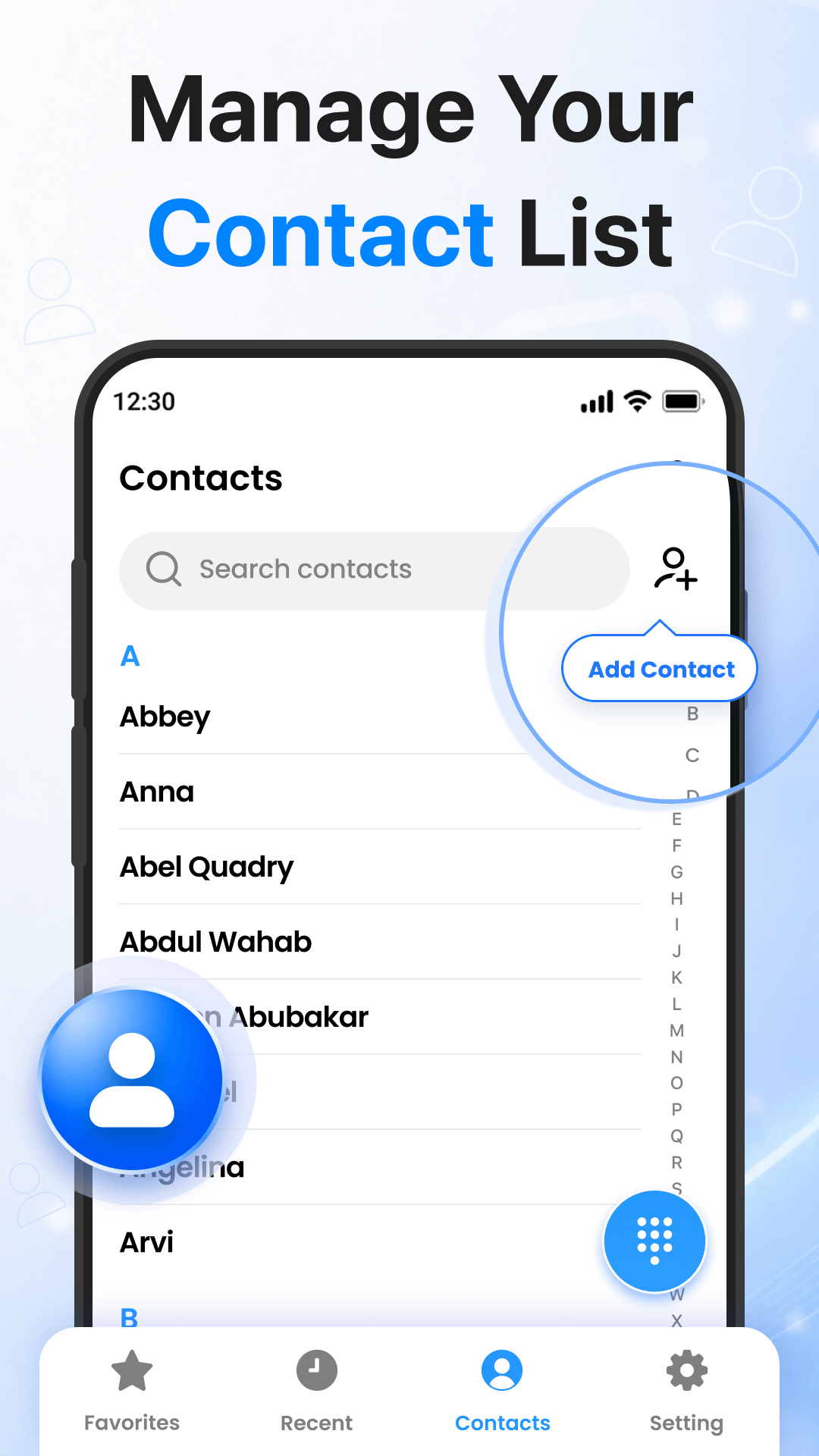
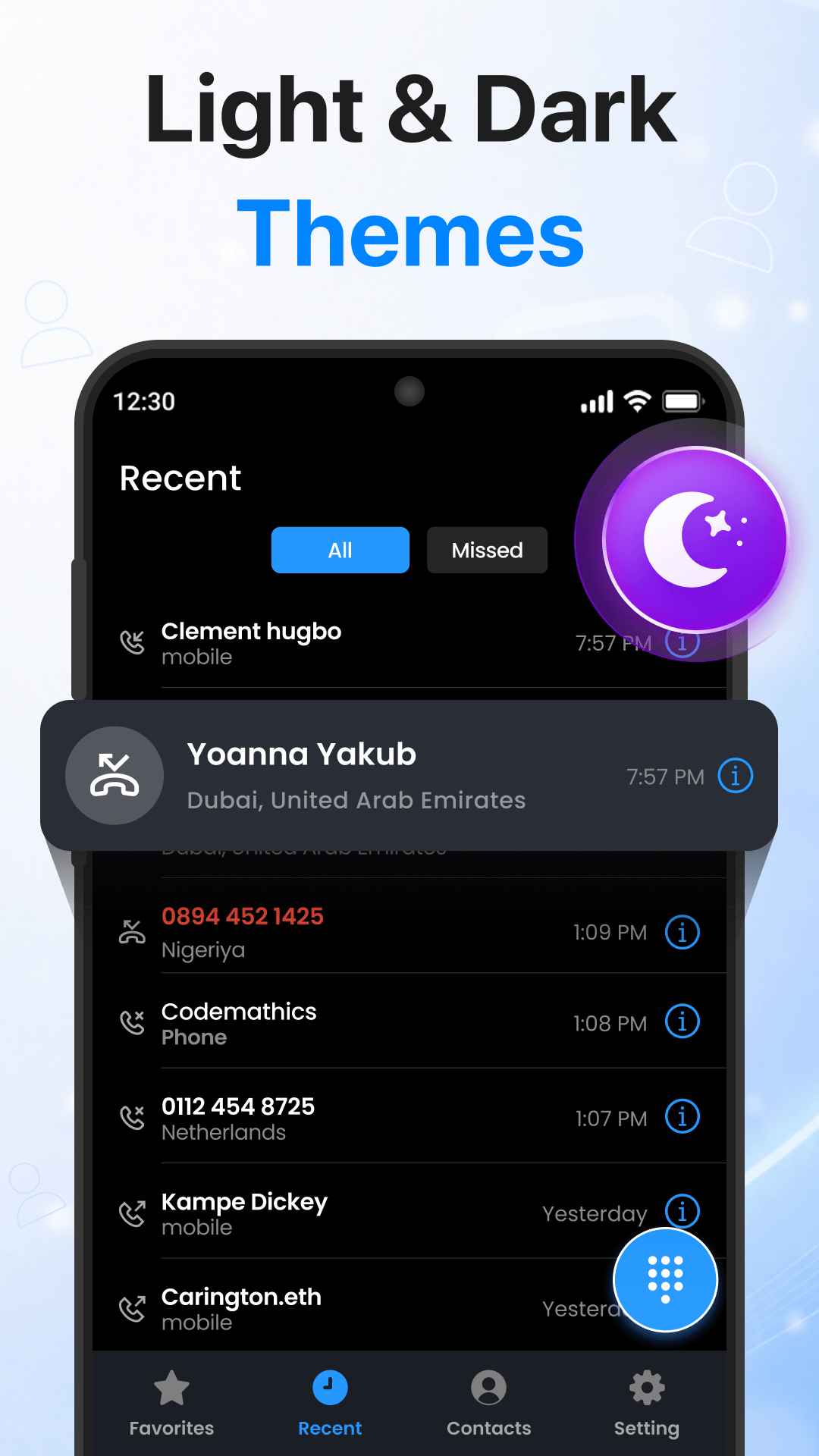
Contacts brings the actions you use most into a simple flow. Search your people, open the dialer, review recent calls and continue with useful after-call shortcuts.
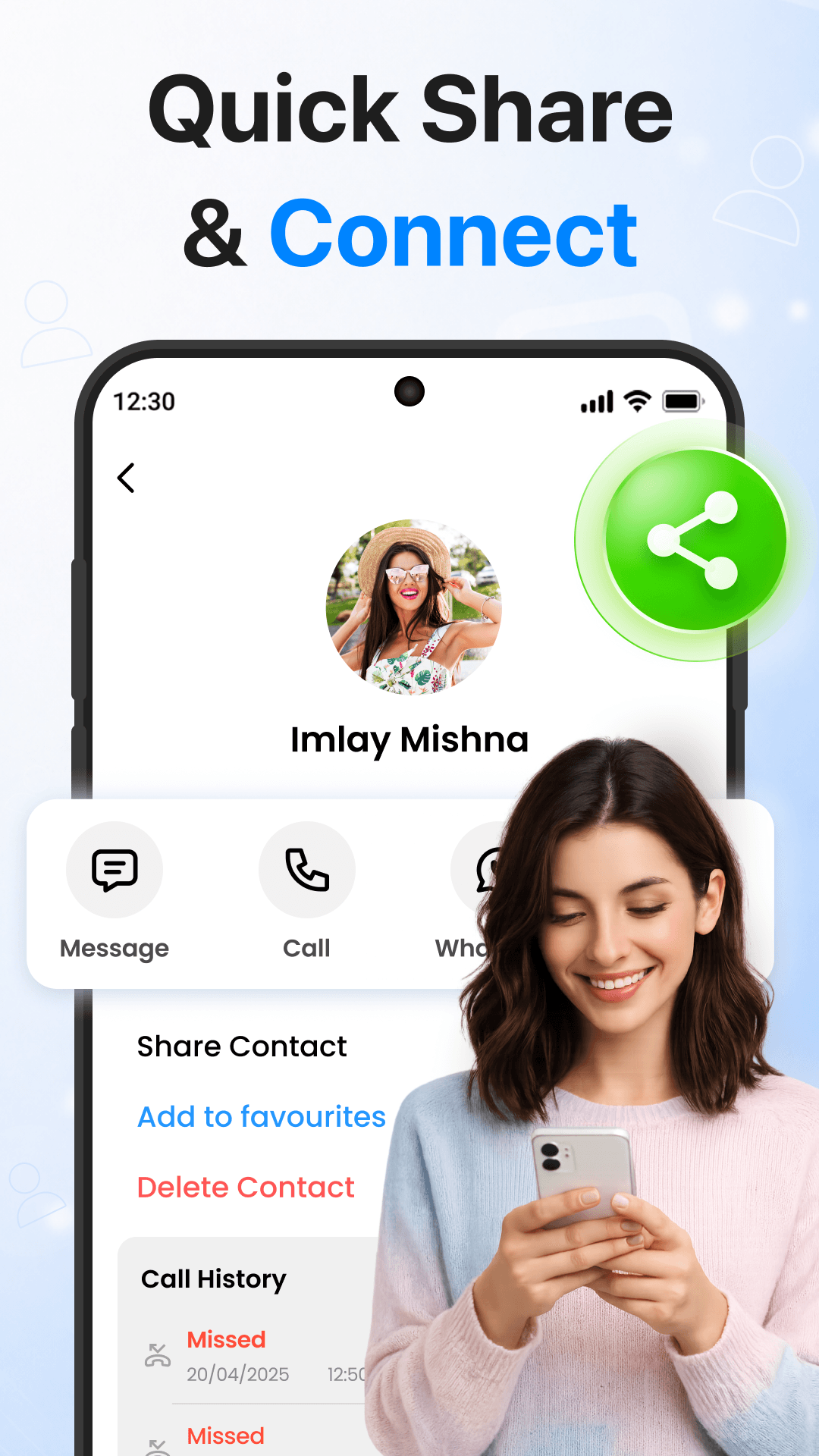
Keep saved contacts easy to find, reach favorites quickly and move from contact details to calling actions without unnecessary steps.
Tap any screenshot to open a larger preview.
Download Contacts for Android and keep your contacts, dialer and recent calling activity within easy reach.
Questions, feedback or app support? Use the official developer contact details listed for the app.